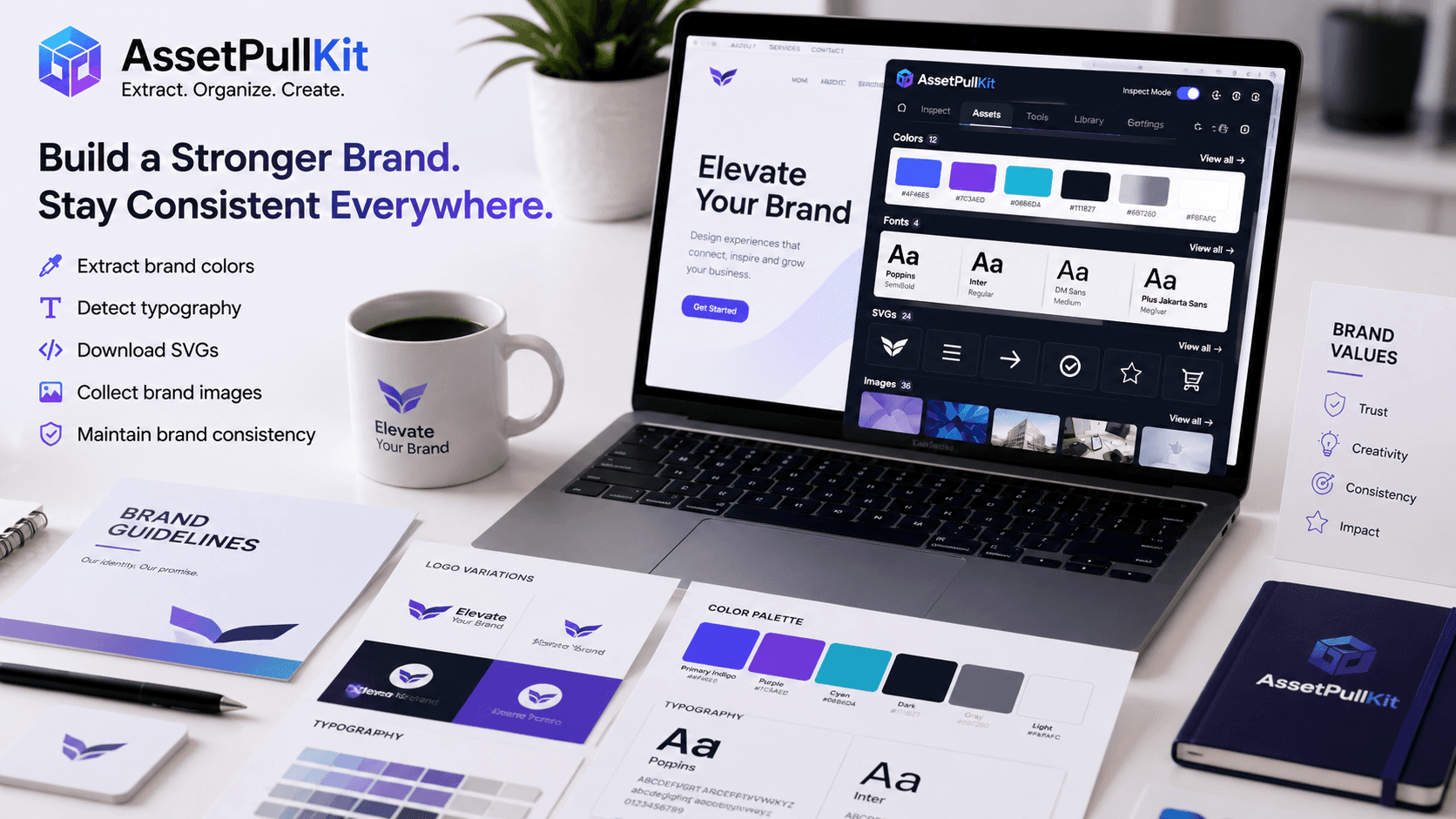
Your brand's visual assets are not just design files - they are the building blocks of trust and recognition. Every time a wrong color appears, an outdated logo is used, or a non-brand font slips into a campaign, brand equity erodes. Managing digital assets effectively is the foundation of a consistent, powerful brand. Here are three crucial tips, informed by how AssetPullKit helps teams extract and manage web assets.
Tip 1: Conduct Regular Brand Asset Audits
Many brands are surprised to discover how inconsistent their live digital properties are. Different pages use slightly different shades of the brand color. Old fonts persist on landing pages from two years ago. Images from past campaigns linger in unexpected places.
Using AssetPullKit, you can audit your own live website in minutes. Simply visit each page, activate Inspect Mode, and pull the color palette. Compare it against your official brand color values. Any deviation is immediately visible. Do the same for fonts and ensure the correct typeface and weight are in use across all pages.
Schedule a brand asset audit quarterly at minimum. Catching drift early prevents the gradual erosion of brand consistency that happens when teams work fast without systematic checks.
Tip 2: Build a Living Brand Asset Reference Library
A brand style guide is only useful if it is accessible and current. Rather than a static PDF that gets outdated, create a living reference library that your team can pull from in real time. AssetPullKit's save-to-library feature (available on Pro) allows you to bookmark colors, fonts, and SVGs for repeated use.
For free users, maintain a shared document or Notion page with extracted brand assets. When team members can find the exact hex value, font name, or logo SVG in under 30 seconds, they are far more likely to use the correct assets rather than guessing or approximating.
Include both what to use and what not to use. Common pitfalls like wrong color variations, deprecated logos, or non-approved image styles should all be documented alongside the correct versions.
Tip 3: Use Competitor Asset Intelligence to Stay Ahead
Understanding your competitive landscape visually is just as important as understanding it strategically. What colors do market leaders in your space gravitate toward? What fonts signal trust, innovation, or premium quality in your industry? These patterns emerge when you start extracting and analyzing competitor assets systematically.
With AssetPullKit, visiting a competitor's website and extracting their complete design palette takes under two minutes. Over time, you build a rich competitive design intelligence database that informs your own brand evolution. When you are considering a rebrand or refresh, this data is invaluable.
The goal is not to copy competitors but to make informed, data-driven design decisions that position your brand distinctively within the visual landscape of your industry.
Key Takeaways
- Regular brand audits using AssetPullKit catch visual drift before it erodes brand equity.
- A living asset reference library keeps teams aligned and reduces incorrect asset usage.
- Competitor asset intelligence informs smarter, more distinctive brand decisions.
- AssetPullKit makes all three practices fast, free, and accessible to any team.
- Brand consistency is a process, not a one-time project - build it into your workflow.