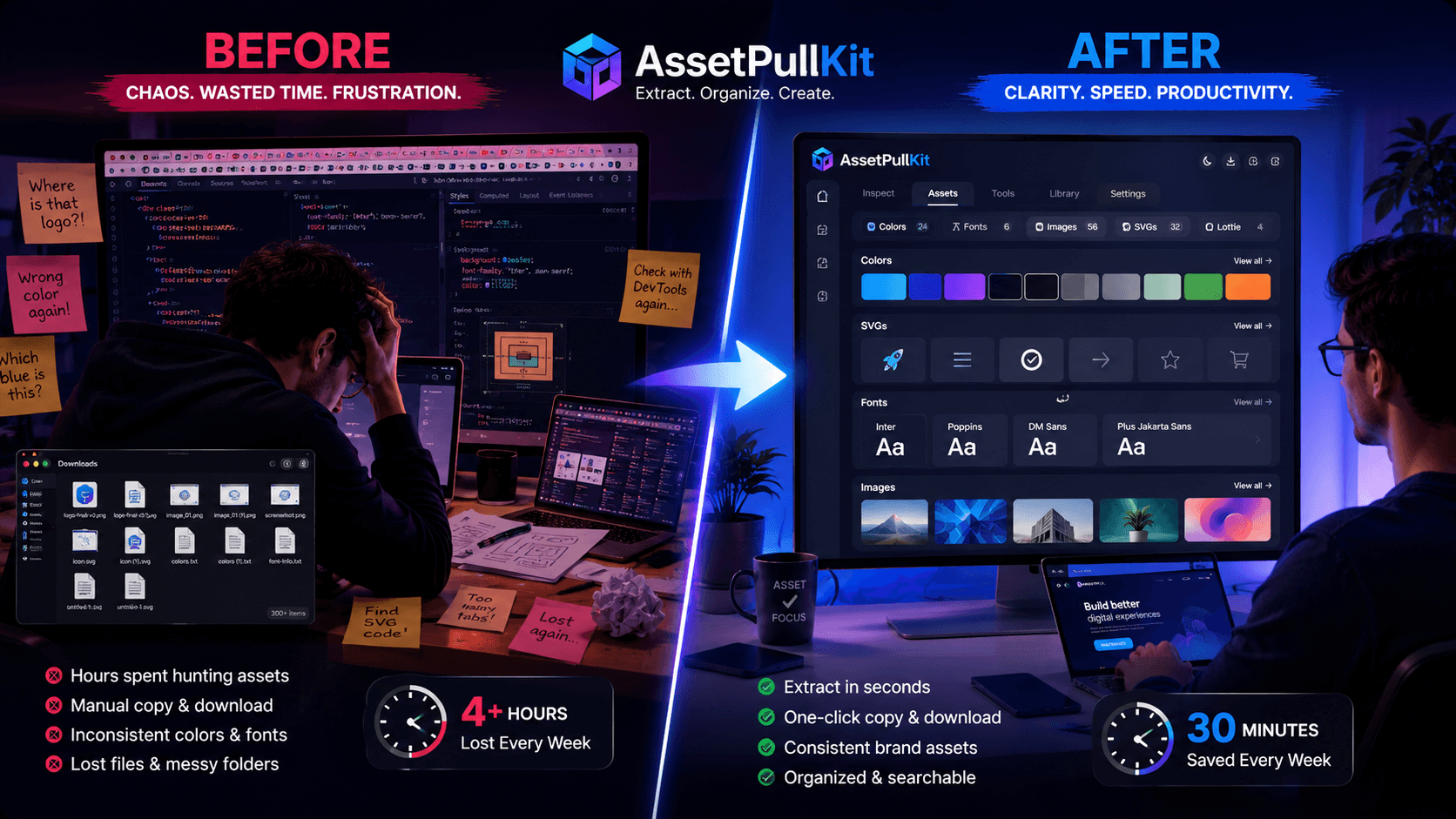
Every marketing team has been there - hours spent hunting down a competitor's color palette, downloading images that won't save, or digging through DevTools trying to identify a font. The hidden cost of searching for assets is massive. AssetPullKit was built to eliminate that waste entirely, delivering design assets from any website in seconds rather than minutes.
The True Cost of Asset Hunting
Marketing teams spend an average of 20-30% of their creative time on non-creative tasks - finding files, re-downloading images, matching colors manually. That time adds up to days every month that could be spent on actual campaign creation.
Traditional workflows force designers to right-click images (only to find they are CSS backgrounds), open DevTools to inspect color values, or manually screenshot then color-pick from a palette. Each step adds friction, breaks focus, and slows the entire team down.
AssetPullKit collapses this entire workflow into a single hover and click. The extension sits quietly in your Chrome toolbar until you need it - then it springs to life, surfacing every design asset on the page instantly.
How AssetPullKit Works
Once installed, AssetPullKit activates an Inspect Mode when you click the toolbar icon. Hover over any element on a webpage and instantly see its computed CSS properties - color, font, size, spacing, border radius - displayed in a clean overlay panel.
Want to grab a color? Click it to copy the hex code. Want to download an SVG logo? One click grabs the file. Need all fonts used across a page? The Font tab lists every typeface, weight, and size in seconds. The entire interaction takes under 10 seconds from opening the extension to having assets ready to use.
5x Faster: Breaking Down the Numbers
Traditional DevTools color extraction: ~3 minutes. AssetPullKit: ~30 seconds. That is 6x faster for just one color. Multiply that across an average marketing day - inspecting 10 sites, extracting 5-10 assets each - and the time savings become transformational.
Teams using dedicated design extraction tools report finishing competitive analysis tasks in a fraction of the former time, spending more energy on strategy and creative ideation rather than manual data gathering.
AssetPullKit is free to install, requires zero backend, and works on any public website including React apps, Webflow sites, Framer pages, and WordPress blogs.
Real-World Use Cases for Marketing Teams
Competitive design analysis: Quickly extract your competitor's color palettes and typography choices to benchmark your own brand. Inspiration gathering: Visit any well-designed website and pull assets directly into your workflow without any copying and pasting.
Brand consistency checks: Use AssetPullKit to audit your own live website and verify that the correct brand colors and fonts are rendering as intended across all pages.
Client mood-boarding: When presenting design directions to clients, rapidly collect visual inspiration from reference websites to build compelling mood boards without tedious manual saving.
Key Takeaways
- Asset hunting is a hidden time drain that costs marketing teams hours every week.
- AssetPullKit extracts colors, fonts, SVGs, and images from any website in seconds.
- The extension is free, private, and works on all Chromium-based browsers.
- Real use cases include competitive analysis, brand auditing, and mood-boarding.
- Install AssetPullKit at AssetPullKit.com and reclaim your creative time.